Merge a Mini Army Controls
One loop on two inputs. The map is the same. The miss-clicks are not.
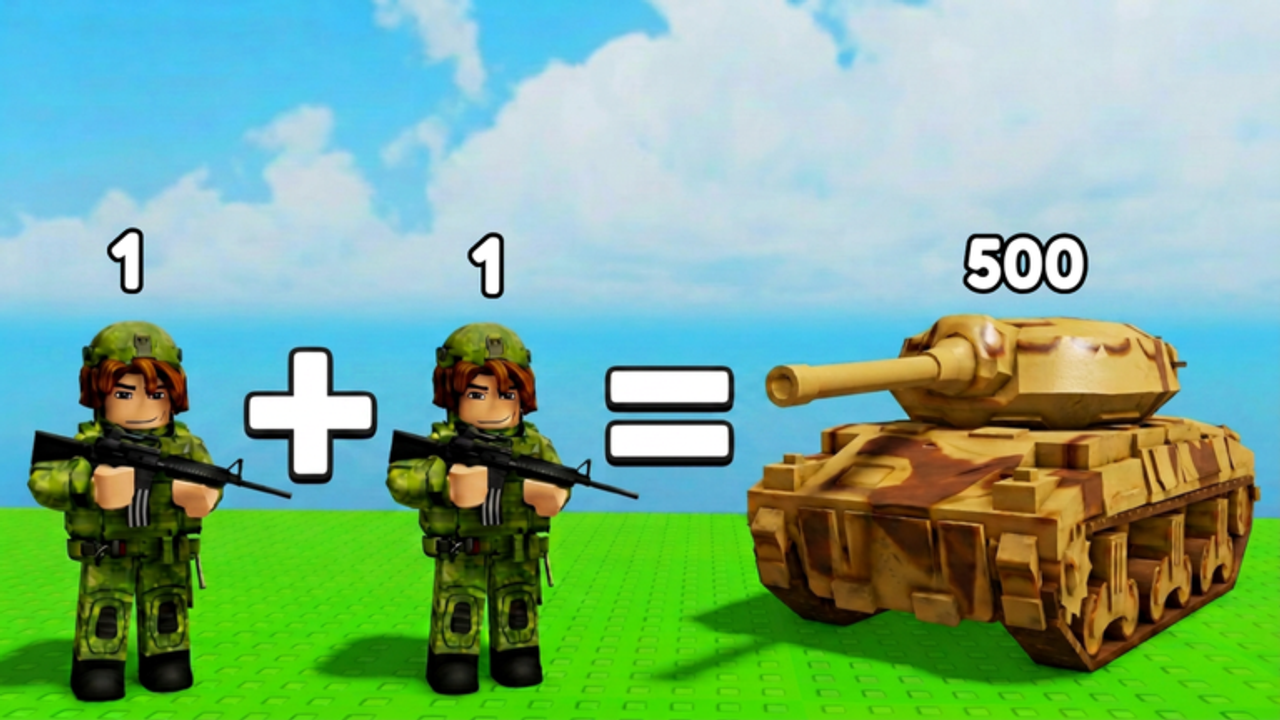
Merge a Mini Army does not ship a tutorial that survives the first camp. Players search “controls” because the HUD never names the verbs. This page names them for PC and mobile. There is no separate attack key. Combat starts when a deployed stack reaches a flag or another player’s stack. If you came for the first session route, open Getting Started after you can pick up a soldier without dropping it on the wrong twin.
PC
Click a unit to lift it. Click a matching unit to merge. That is the whole pad loop. Click empty ground if you grabbed the wrong toy. Do not drag across the whole Index hoping the engine will guess. Mismatched models will not combine. A Biker on an ATV is a mess, not a shortcut.
Camera is a standard Roblox orbit. Zoom out before you deploy. The starter camp and the garrison are easy to miss if you stay tight on the pad. A controller works because Roblox allows it, but the merge click is still a pointer problem. Keyboard players who bind extra keys will not find a hidden fire button. The fire is the walk.
Deploy and Recall sit on the HUD, not on a letter. Click Deploy when the stack you want is selected or when the client’s deploy control lights up — creators differed on the exact widget, but they agreed the cap is real. Click Recall when the destination is already lost. Details live on how to deploy.
Mobile and tablet
Tap a unit, then drag it onto its twin. Lift your finger only when the twin highlights. Fat-finger merges are the mobile tax. Zoom out with a pinch before any send. The airfield looks close until a helicopter is already there.
Thumbs cover the pad. Park the UI hand away from the spawn point so you do not eat a new soldier. If Auto Merge is on, you can keep one thumb on the map. If it is off, treat the pad like a chess clock: merge, glance at the flag, merge. The upgrade order still applies. A phone does not make packs cheaper.
Shared rules
- Two twins make the next tier. Looks-similar is not enough.
- Leave two empty squares. A full pad ignores your perfect click.
- Death returns troops. Do not rage-rejoin because a stack wiped.
- Chat is not a code box. The codes hub is still empty as of 16 August 2026.
Common input failures
I clicked and nothing merged. The models are not the same tier. Check the Index name, not the silhouette.
I cannot pick anything up. Capacity is full or a shop modal is open. Close the shop. Merge or deploy to make a hole.
Deploy does nothing. You are already at the cap, or no unit is eligible. Recall first, or raise max deployment after capacity.
The camera will not show the HQ. Zoom out. The map is larger than a phone preview. The camp route is the order so you stop hunting the center with infantry.
Accessibility and session length
Long merge sessions hurt wrists. Auto Merge is the pass that clicks twins. It does not aim the army. If you play on a bus, buy the pass or accept a slower Index. Scripts that auto-merge exist; they also risk the account. Read how to use scripts before you paste a loader.
After a weekly patch, rejoin a fresh server so the HUD widgets match this page. If a Codes, Gift, or Twitter button appears, how to redeem becomes the new control you actually needed.
Related pages
First hour: Getting Started. Merge math: how to merge. Map: how to capture camps. Official place: links.
Frequently Asked Questions
Quick answers to the most common Merge a Mini Army questions.
Is there an attack button?
No. Units fight when they reach a camp or another stack. Deploy is the only combat click.
Does mobile have a worse merge?
The recipe is the same. Miss-clicks are more common. Zoom out and leave two empty squares.
Can I use a controller?
Roblox will accept one. The merge action is still a pointer. Most creators used mouse or touch.
Why can I not drag on PC?
Some clients want click-then-click, not a held drag. Try both. The twin must be the same model.
Where is the Codes button?
It is not in the current HUD. Bookmark the codes hub. Do not type strings into chat.